
Playing Tennis and Quiet Pickleball, a Great Way to Meet Your Neighbors
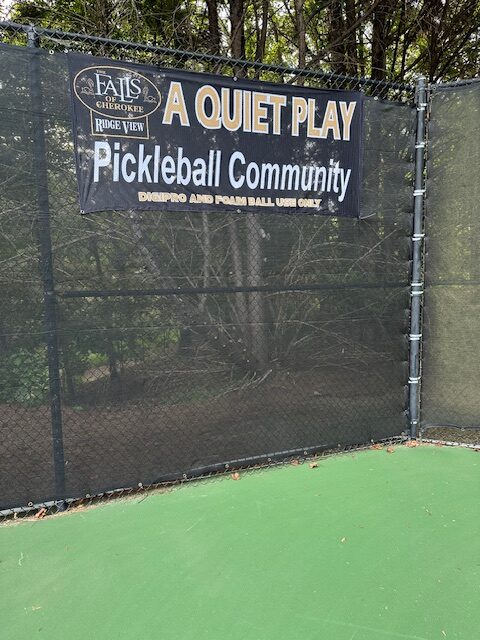
Our amenities include a pair of tennis courts, 2 pickleball courts with portable nets next to a covered pavilion overlooking the courts on one side and a viewing deck on the other side. The courts are certified for USTA Tennis and ALTA Tennis play. Due to the close proximity of homes located around the amenities, pickleball play is limited to the use of foam and DigiPRO pickleballs only. Neither of these balls have yet to be approved for League play. Foam and DigiPRO balls are available in holders on the court. Please return them to the holder when play is complete. You can purchase orange DigiPRO balls at: Accel Sports
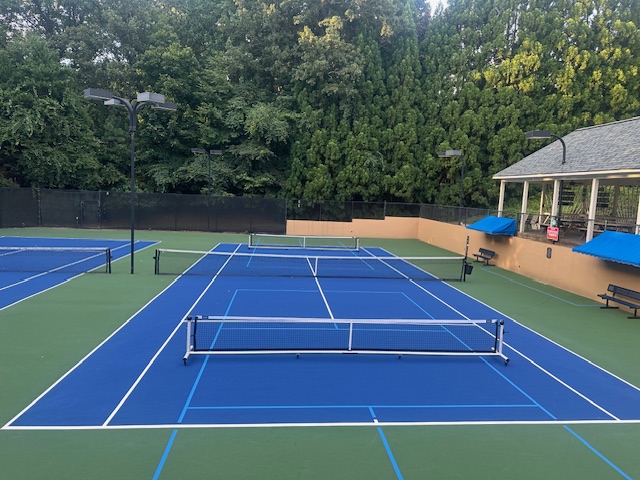
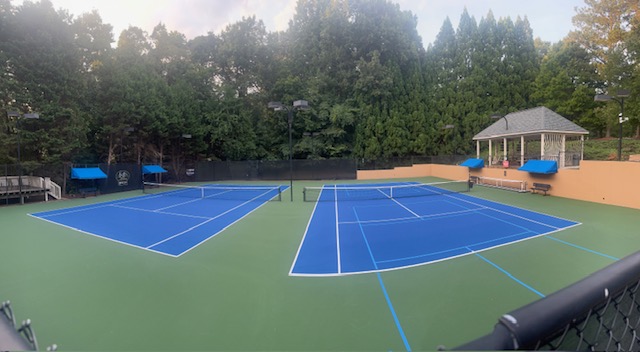
Are you interested in playing on a TFOC-RV Team? Just submit the Tennis Team League Play Information form. A representative from the tennis community will contact you.
New tennis court use rules were adopted in July 2023: Tennis Court Use Rules
Current teams:
Men’s
ALTA Men’s Spring & Fall Mid B Level
ALTA Senior Men’s Summer Low B Level
Women’s
None
Mixed Doubles
None
Currently there are no junior teams.
There are slot for new teams.
To request use of the courts for league play submit a Tennis Facilities Use Request form.
How do I reserve a tennis or pickleball court for individual play?
Our tennis rules allow members to reserve one tennis court for one or two hour blocks twice a day. The two reservations cannot be consecutive blocks.
Reservations can be made up to 7 days prior using the Frontsteps App portal or on the web based portal.
See Tennis Rules for all restrictions and requirements regarding court reservations.
Use Priority: 1. Confirmed Reservations 2. Pending Reservations 3. Walk On Play
For all types of league play and reoccurring lessons, use the Tennis Facilities Use Request form.
Recommended reservation steps:
1. Sign into your Frontsteps portal via your mobile app or the Resident Sign-in button below.
2. Select “My Requests & Reservations.”
3. Check the community “Calendar” for scheduled events and times at the tennis facility.
4. Select “Reservations” at the bottom of the Calendar page.
5. Select Green Plus Circle
6. Select Tennis/Pickleball Court 1 or Tennis Court 2 or Picklball Court 2. Note: Picklball courts are not available if Tennis Court 1 is reserved. Tennis Court 1 is not available if either Picklball court is reserved.
7. Select date within 7 days of today’s date.
8. Select up to 2 consecutive hours.
9. Select “Submit.”
10. You will be notified by email when your reservation is approved or rejected.